




You’ve probably seen posts like these all over Facebook and Instagram:
“Comment LINK and I’ll send it to you!”
“Want the details? Comment INFO below.”
“Comment FREEBIE and I’ll send it over.”
And chances are, you’ve commented on one yourself and had the link magically appear in your DMs seconds later.
Pretty cool, right?
There’s a reason these posts are everywhere: they work.
Comments help your post build momentum and get seen by more people. And when you can instantly follow up with the person who commented? That engagement can turn into clicks, leads and sales.
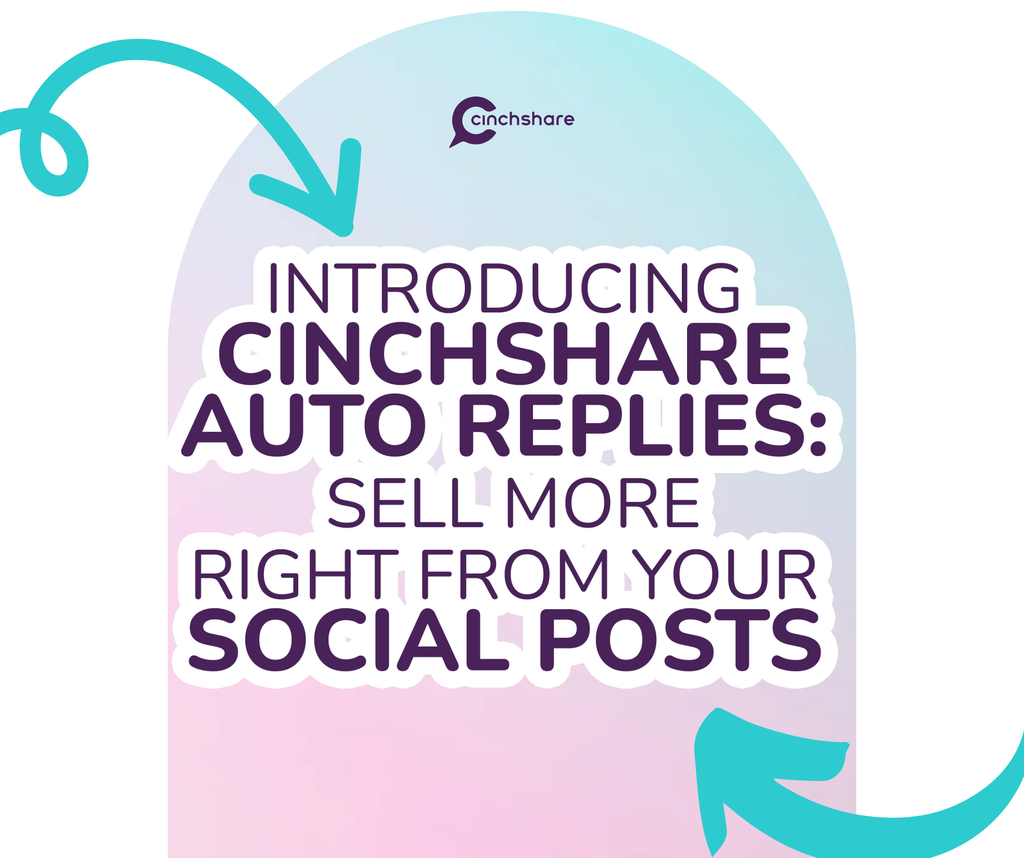
And now you can do it all right inside CinchShare!
With CinchShare Comment-to-DM Auto Replies, you can do both:
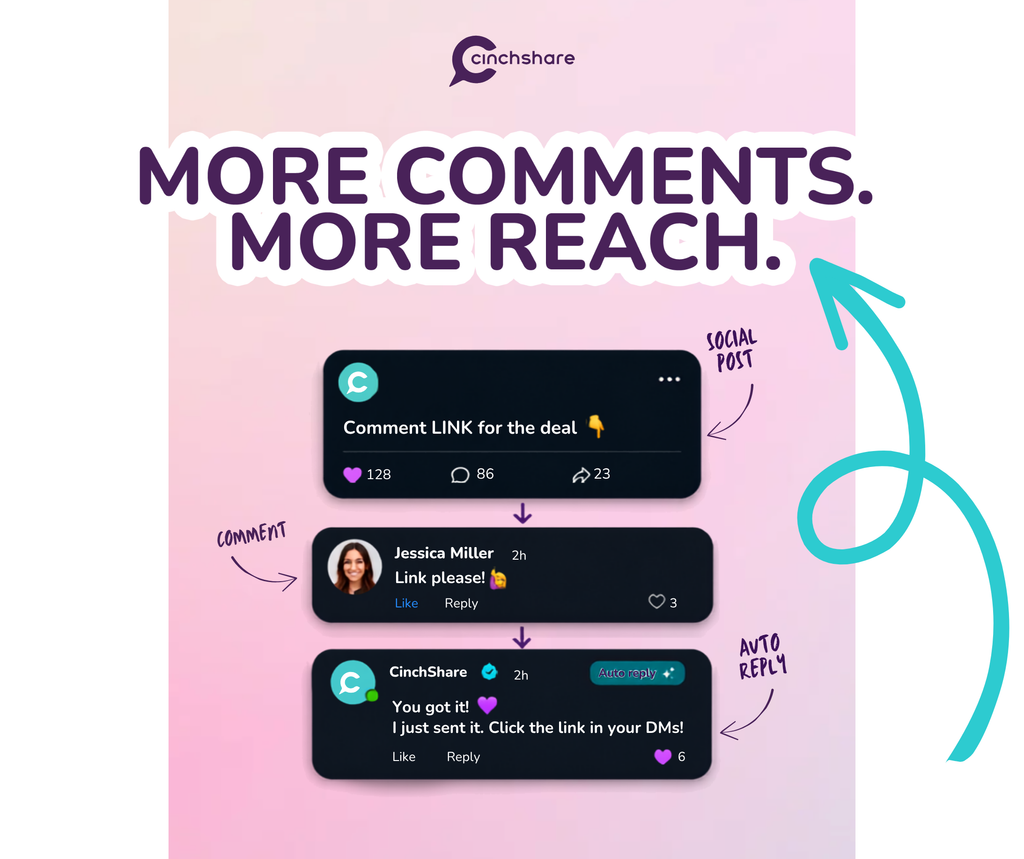
Auto Reply Comments which keep the conversation going right on your post.
Auto Reply DMs to instantly send someone the exact link they’re looking for while they’re still interested.
More conversation. Instant follow-up. More opportunities to sell.
Here’s one of our favorite things about Auto Reply Comments: they can instantly double the conversation happening on your post.
10 people comment + 10 automatic replies = 20 comments.
50 becomes 100.
100 becomes 200.
See where we’re going with this?
Every reply adds more conversation to your post, giving it more engagement and more opportunities to be seen — without you having to reply to every comment yourself.
You can add up to five different replies, and CinchShare will mix them up automatically. We even like the original comment for you.
Your replies can include text or an image, so you can instantly follow up while they’re still right there, interested and engaged.
More conversation. Faster follow-up. Right when their interest is highest.
More comments on your post are great.
But every one of those comments is also an opportunity to start a conversation with someone who’s already interested in what you’re sharing.
And with CinchShare Auto Reply DMs, you can start that conversation instantly.
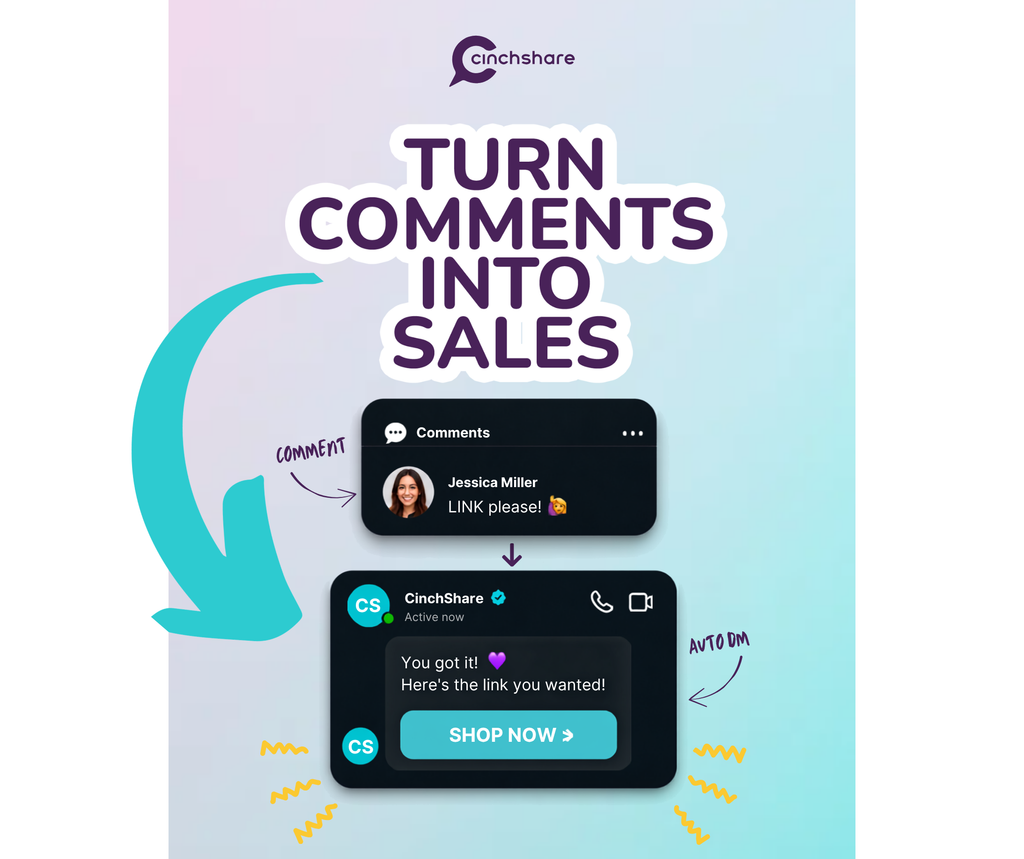
Someone comments LINK? Boom. The link is in their DMs.
You can choose trigger words like LINK, INFO, SALE or PRICE—or let any comment start your Auto Reply.
Either way, you’re following up while they’re still interested and giving them exactly what they asked for right when they’re asking for it.
No waiting for you to check your notifications.
No “I’ll message you later.”
No making them hunt through your bio, Linktree or website.
They comment.
You follow up instantly.
They get the link.
That’s automated follow-up.
And there are so many ways to use it.
Direct sellers can send shoppers straight to a product or follow up with someone interested in joining their team.
Amazon and Walmart affiliates can automatically deliver deal links without putting the link in the original post.
Small business owners can share products and freebies, grow their email lists, book appointments and send more people to their websites.
Basically, wherever you’d normally say, “I’ll send you the link!” CinchShare can now help you actually send it.
Automatically.
Your Auto Reply DM can include a message with up to three buttons or an image with one button, making it ridiculously easy for someone to take the next step.
Because when someone is interested enough to comment, that’s your moment.
Follow up instantly. Send the exact link they want. And turn more of those comments into clicks, leads and sales.
We know. The word automation can sound a little…technical.
But we’re CinchShare, and you know we like to keep things simple.
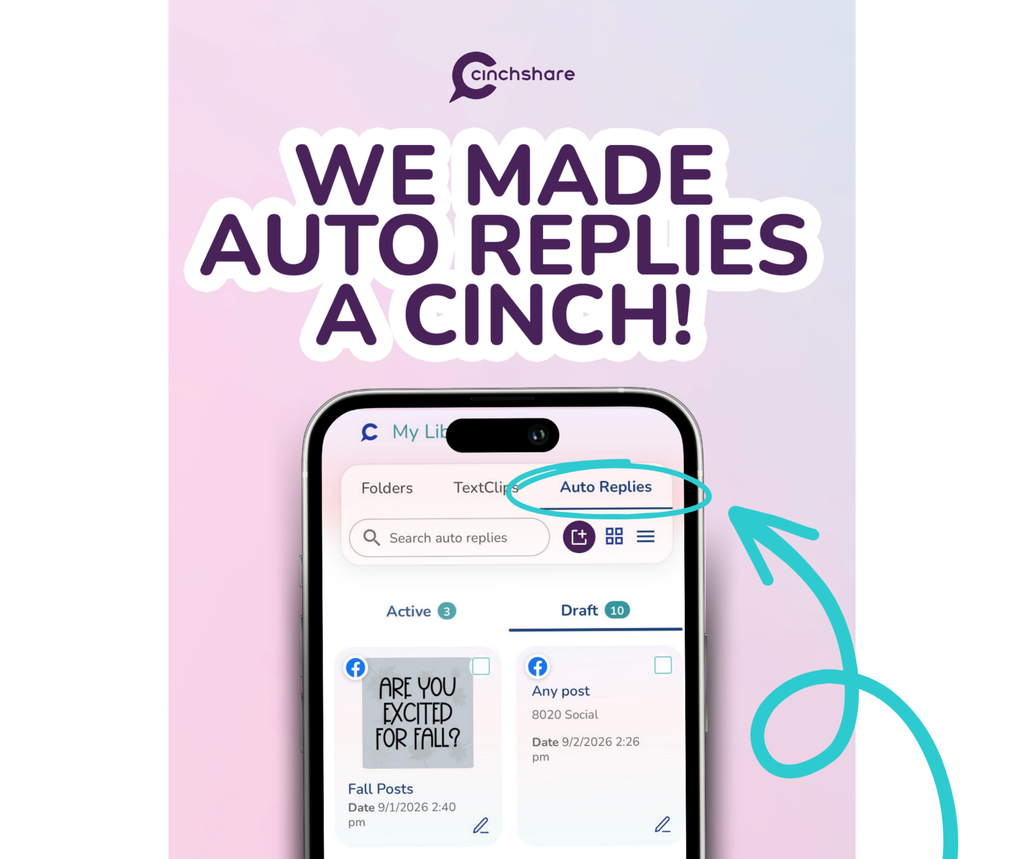
Setting up an Auto Reply only takes a few steps:
That’s it!
You can schedule your posts in CinchShare, set up an Auto Reply ahead of time, and it will go live right along with your post!
Sharing links on social media has gotten harder, but your customers still need an easy way to get where you want them to go.
With CinchShare Auto Replies, you don’t have to put the link in your post. You don’t even have to drop it in the comments.
Someone comments because they’re interested, and CinchShare can send the link straight to their private DMs while that interest is still fresh.
That means faster follow-up for them and an easier path to the click, signup or sale for you.
Schedule your post. They comment. CinchShare handles the follow-up. And you turn a social post into a lead or sale.
Want to try this with your own posts? Grab our free beginner’s guide, How to Send Links by DM When Someone Comments. You’ll get public reply and DM examples, plus simple steps to set up your first Comment-to-DM Auto Reply in CinchShare. 💌

